Roll over image to zoom in
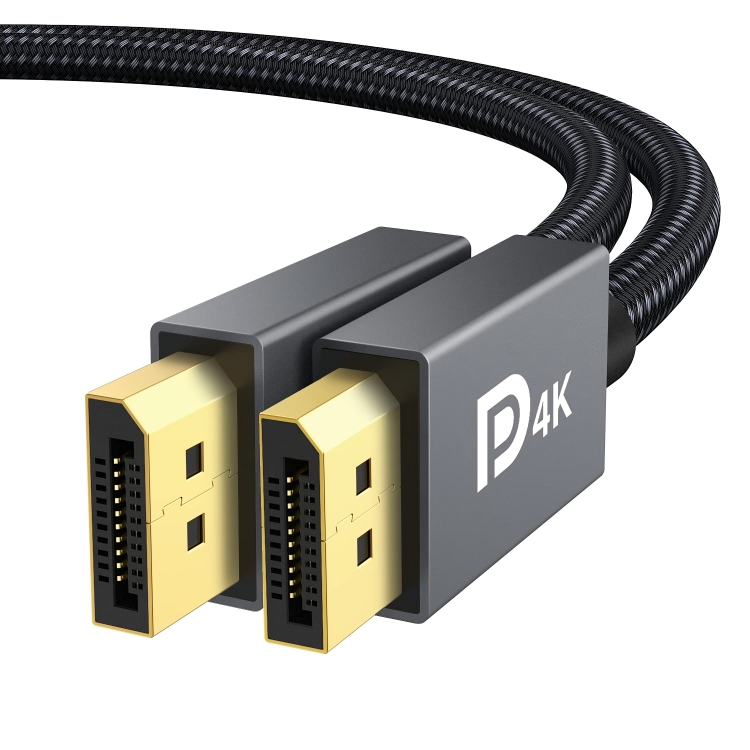
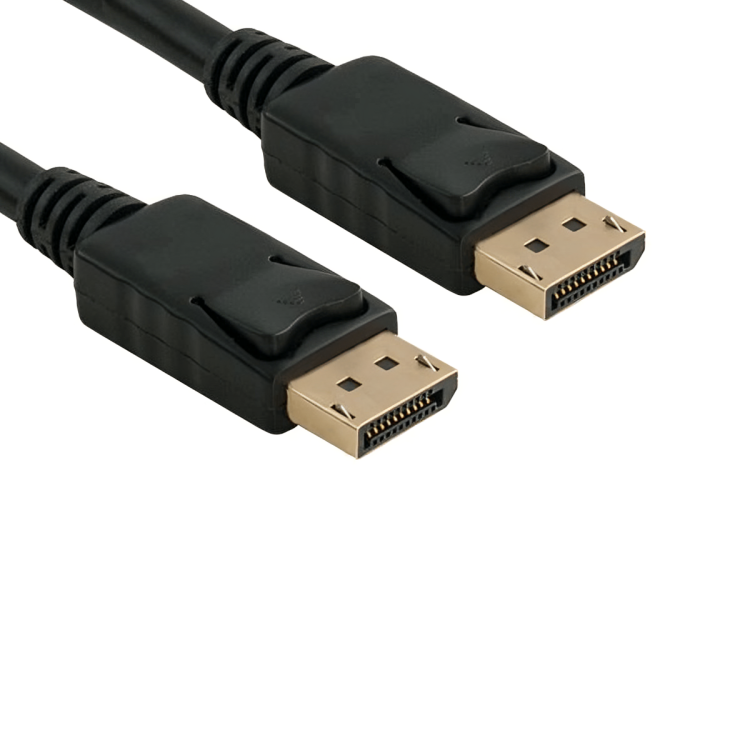
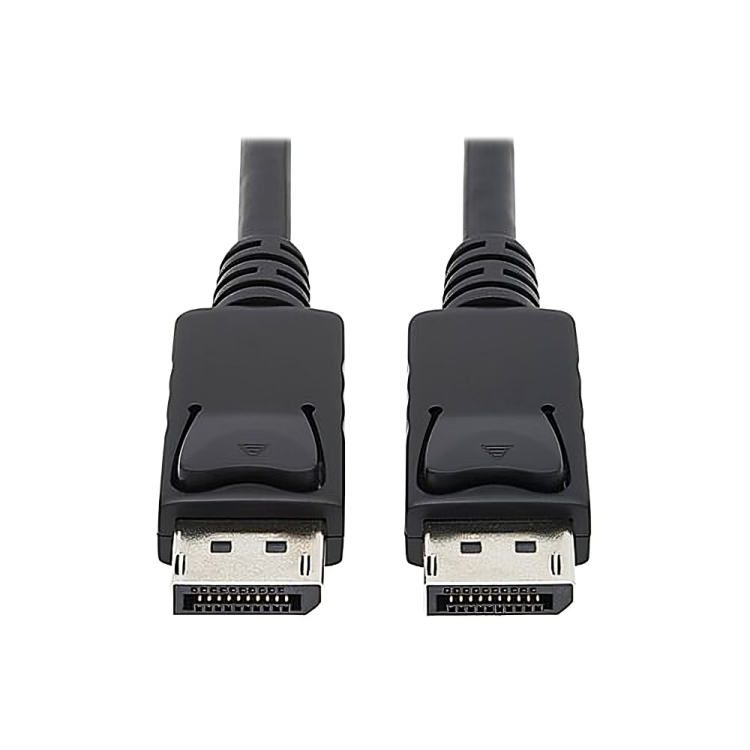
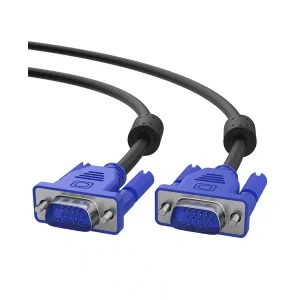
Display to Display Cable
KSh 400.00KSh 460.00 (-13%)
🚚
Free delivery within Nairobi.
Call 0707 462104
📦
Wholesale prices on bulk orders.
Inquire: 0707 462104
- Purpose: Connects a source device
- Types: Includes HDMI, DisplayPort, VGA, DVI, and USB-C.
- Resolution: Supports various resolutions
- Data Speed: High-speed transfer
- Flexibility: Available in various versions
Display to Display Cable
- A Display to Display cable is a type of connection cable used to link a source device (such as a laptop, desktop, or media player) to a display device (like a monitor, TV, or projector) for transmitting video signals and often audio signals. These cables serve as the primary medium for sending high-quality visual data from one device to another. Depending on the devices involved and the video quality required, different types of display cables can be used, such as HDMI, DisplayPort, VGA, DVI, or USB-C.
Key Features and Components of a Display to Display Cable
- Cable Construction:
- Conductors: The cable contains multiple internal conductors, typically made of copper or gold-plated connectors, designed to carry video signals (and often audio signals) between the source device and the display.
- Shielding: Display cables often include shielding to prevent electromagnetic interference (EMI) and signal degradation, ensuring high-quality image and sound transmission.
- Jacket: The external jacket of the cable is made from PVC, rubber, or braided materials to protect the internal wires from wear, heat, and physical damage.
- Types of Display to Display Cables: Different display interfaces are used depending on the devices and the quality of video required. Common types include:
- HDMI (High-Definition Multimedia Interface):
- Common Use: This is the most popular cable for connecting modern TVs, projectors, monitors, and laptops. It supports high-definition video and digital audio through a single cable.
- Versions: HDMI 1.4 (up to 4K at 30Hz), HDMI 2.0 (up to 4K at 60Hz), and HDMI 2.1 (up to 8K at 60Hz or 4K at 120Hz).
- Audio & Video: HDMI carries both audio and video signals, allowing you to connect a source device to a display and external audio system with one cable.
- DisplayPort:
- Common Use: A widely used interface for connecting high-resolution monitors (especially for gaming, graphic design, and video editing setups). It is often found on PCs, laptops, and high-end monitors.
- Versions: DisplayPort 1.2 (up to 4K at 60Hz), DisplayPort 1.4 (up to 8K at 60Hz), and DisplayPort 2.0 (up to 16K at 60Hz or 8K at 120Hz).
- Audio & Video: Supports both audio and video, and can transmit more than one display signal through a single cable using multi-stream transport (MST) hubs.
- VGA (Video Graphics Array):
- Common Use: An older, analog video cable that connects to legacy monitors and older computer systems.
- Resolution: Limited to lower resolutions (typically up to 1080p), but not suitable for high-definition or high-refresh-rate displays.
- Audio: VGA only carries video, so a separate audio cable is required for sound.
- DVI (Digital Visual Interface):
- Common Use: Often used with older digital monitors and graphic cards in desktop computers.
- Resolution: Supports up to 1920×1200 (DVI-D) or higher resolutions for digital signals. The DVI-I version can also handle analog signals.
- Audio: Like VGA, DVI cables only transmit video signals; separate cables are required for audio.
- USB-C (with DisplayPort or HDMI Alt Mode):
- Common Use: Newer devices, particularly laptops, smartphones, and tablets, use USB-C for multiple purposes, including video output. Some USB-C cables support DisplayPort or HDMI Alternate Mode, allowing them to deliver video and audio signals to external displays.
- Resolution: Supports 4K at 60Hz and 5K resolution, with newer standards supporting up to 8K.
- Audio & Video: Can transmit both audio and video over a single cable, providing a more compact solution than HDMI or DisplayPort cables.
- HDMI (High-Definition Multimedia Interface):
- Resolution and Refresh Rate Support:
- Resolution: The ability of a display cable to support different resolutions is a key factor in the choice of cable. Higher-resolution monitors require cables capable of supporting larger amounts of data. For example:
- 1080p: Full HD resolution (1920×1080), supported by VGA, DVI, HDMI, and DisplayPort.
- 4K: Ultra HD resolution (3840×2160), supported by HDMI 2.0/2.1, DisplayPort 1.4, and USB-C with DisplayPort or HDMI Alt Mode.
- 8K and Beyond: Cables such as HDMI 2.1 and DisplayPort 2.0 are required for 8K (7680×4320) or higher resolutions.
- Refresh Rate: The number of times per second the display updates. Higher refresh rates (like 120Hz, 144Hz, or 240Hz) are important for smooth motion in gaming and high-performance applications. Not all cables can handle these higher refresh rates, especially at higher resolutions.
- Resolution: The ability of a display cable to support different resolutions is a key factor in the choice of cable. Higher-resolution monitors require cables capable of supporting larger amounts of data. For example:
- Cable Construction:
Reviews
There are no reviews yet.